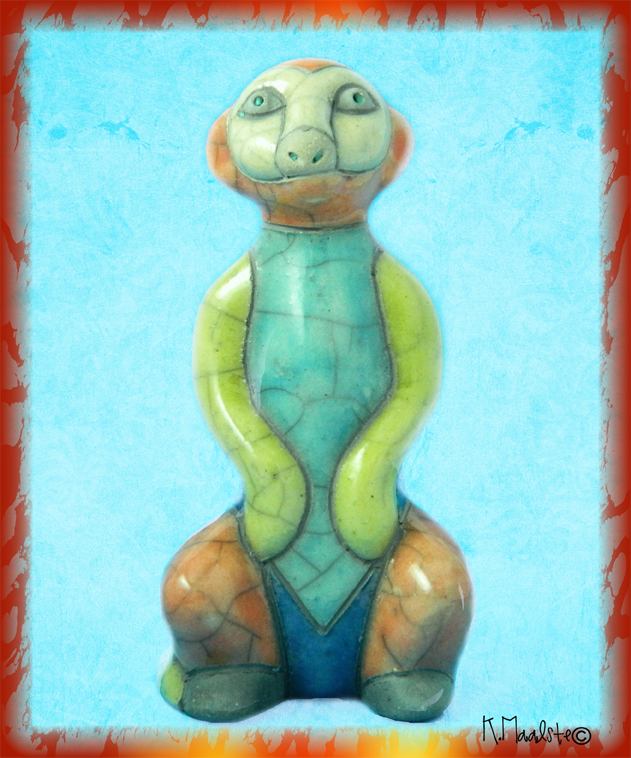
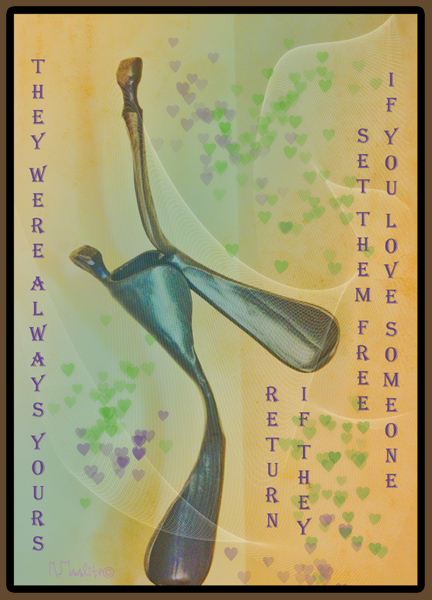
Another theme of Happiness by KK but in a different forum. This ceramic meercat was given to me as a birthday present last week by my sister, so I have taken this shot and overlayed with KK Felicity at Hard Light 100% opacity and then brushed back leaving the background untouched.
Waitpinga Beach, South Australia for The Creative Exchange
This week the discussion was about about comfort zones and taking street photography shots, I have to agree when looking at my photographs, people are usually away in the background, last November I asked two young men surf fishing if I could take their photo, and then I froze – how do you just take that shot.
The day was hazy so I have tried all sorts of filters and settled on running the shot through RAW then use Topaz Lab black and white filter (Classic) added some posterization and then transparency. Comments are appreciated. To view other participants click on the button in the right hand-sidebar.
Tutorial Tuesday – Food
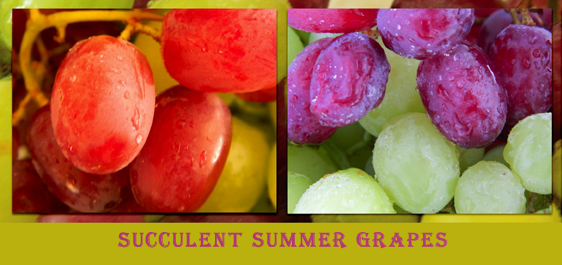
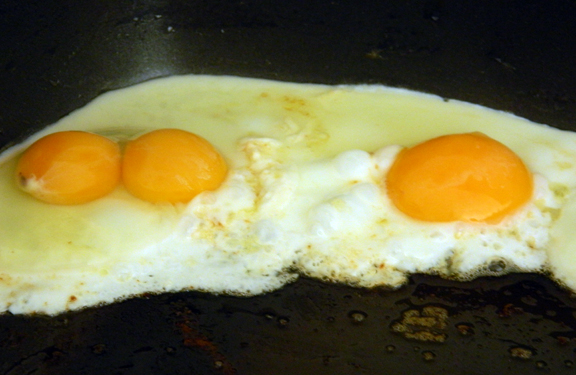
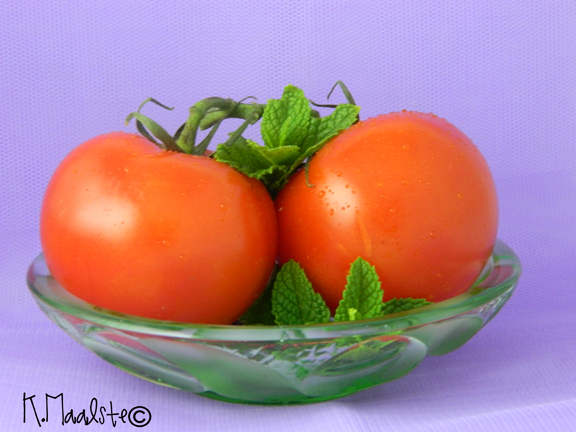
What a challenge, I think I have photographed all the food in the kitchen and fridge, it is not easy. The tomatoes were photographed in my light box made from a carton (although I did photograph in the window with the sheet and posterboard}. When I went to photograph the eggs this morning the light was diffused because of the overcast day, so I just used a sheet on the window. The cooked eggs are as shot. The tomatoes and raw eggs I put through Raw in PSE10. In addition to the tomatoes and eggs I have added grapes that I photographed after I had published this post.
I do not mind constructive criticism, please visit other participants by clicking on button in right hand sidebar.
Photo Art Friday – Our Choice
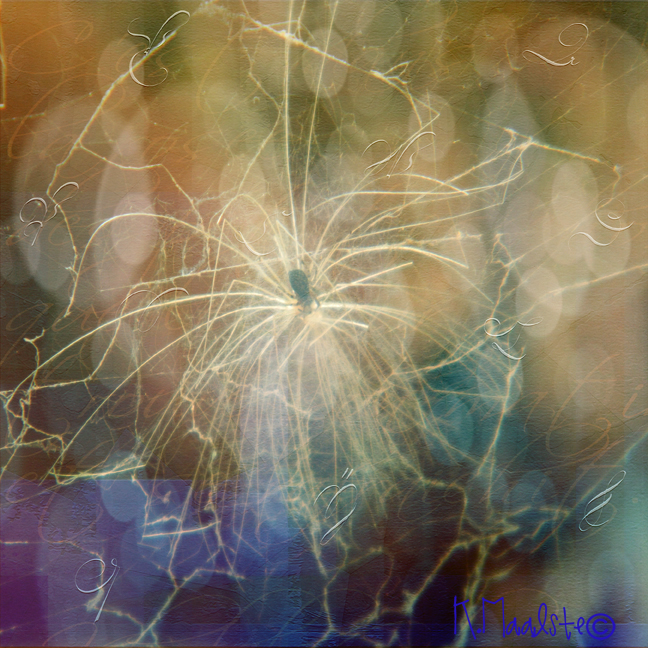
I have chosen to use Bonnie’s new texture “Ephemeral” with a shot of a dandelion seed caught in a spider’s web in my garden.
Recipe:
L1. Texture at Normal Blending mode 100% opacity
L2. Photograph at Normal Blending mode 100% opacity
L3. Photograph at Multiply Blending mode 100% opacity
L5. Texture at Hard Light Blending mode 100% opacity
You can view other participants by clicking on the button on the right hand sidebar. Thank you
Texture Tuesday -Our Choice
I had a pleasant surprise yesterday, I found up an external drive that had been stored in the shed, on it are photographs taken in 2003 while I was in Maine with my friend Jan. So I just had to do some editing to this covered bridge.
Recipe:
L1. Texture Normal Blending 78% opacity
L2. Photograph Colour Dodge 100% opacity
L3. Texture Screen 40 %
Merged layers and used Toned Collection in Topaz Lab Adjust 5 filter.
Thank you for visiting.
Fort Williams Henry for The Creative Exchange
Today, Henk and I were rearranging the shed and I cam across my external hard drive, so I was eager to see what was on it. My wonderful surprise were photographs taken in Maine 2003, just before I returned to Australia after 20 years in San Diego. My dear friend Jan and I took this trip to Maine because she had to show me how wonderful a place it was. One highlight was visiting Fort Williams Henry and there it was on my external drive. My how life has changed since then, so this was a precious surprise. As the day was overcast I have put the photograph through various filter in Topaz Lab.
Please visit The Creative Exchange by clicking on button in the side bar.
MCP Project 12 Love – Leap
Photo Art Friday – Surprise
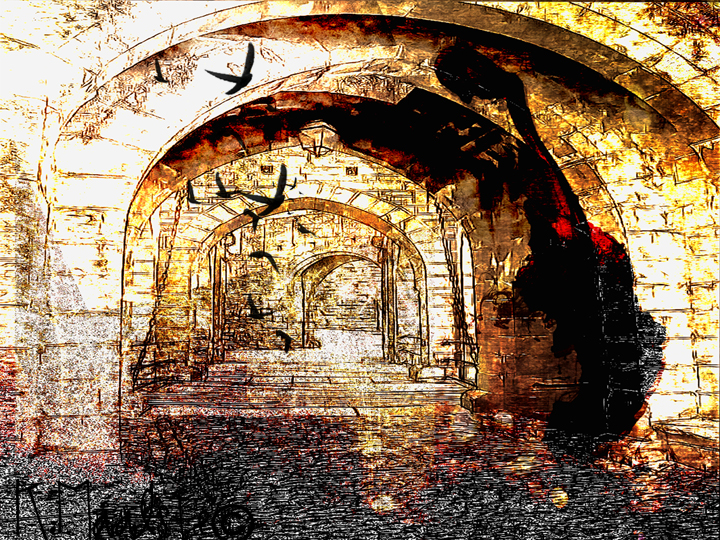
Bonnie has asked to post an image that we were surprised with when we did some editing. I could say that for almost photograph that I play with. In this edit, I started with a photograph of my fish pond when the fish were feeding, added the great new texture “Gold Room”, nothing much happened so I added a photograph of a scene looking down a narrow street with arches (Shutterstock image), created a sketch in ARKVIS and then played with blending modes. Also I cut a section out of the texture and laid this on top and added some birds. Just a little spooky.
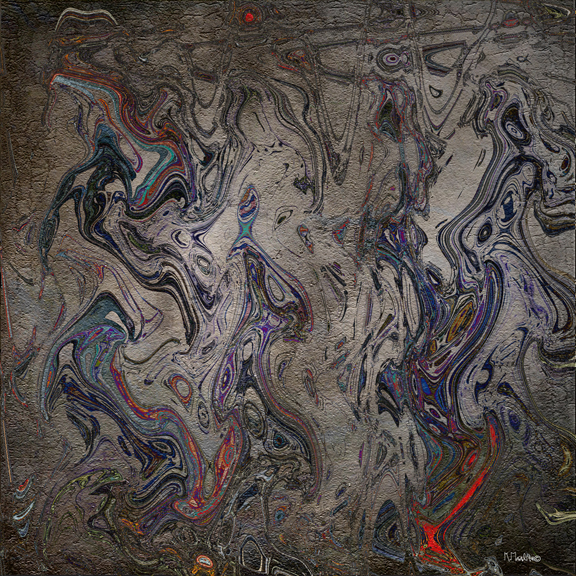
Bonnie also gave us an example of what happens when you collaged photographs and passed them through the Filter – Distort – Wave, so I had to try that as well. I used four photographs from around the house, put them on a black background and “waved”. Saved this image and then put it back onto another black background in different positions and “waved” and finally overlaid with texture “Medieval Magic”. So here are my results.

Thank you for visiting, please check out the other entries by clicking on the button on the right hand side.
Tutorial Tuesdays – Watercolour Photograph
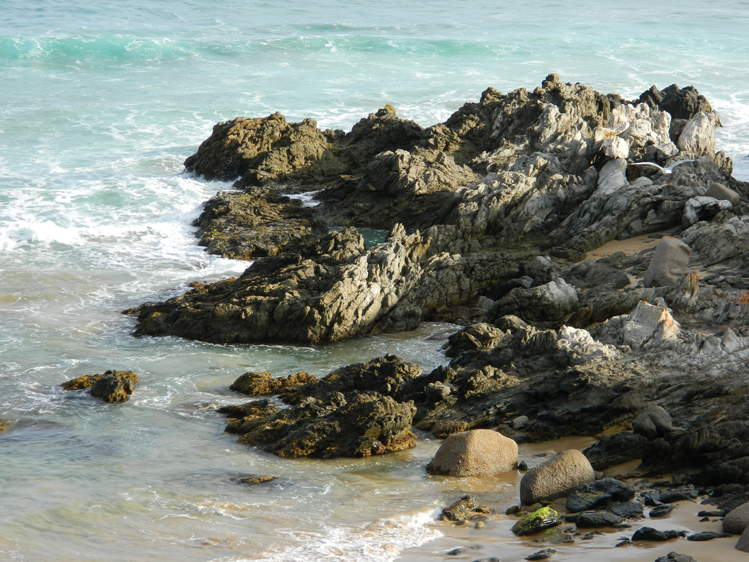
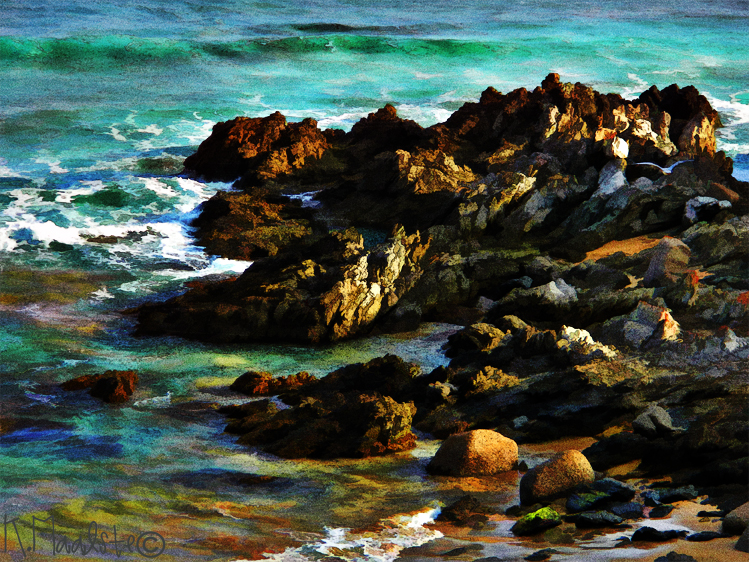
This weeks challenge is to convert a photograph to a watercolour painting. I initially used the tutorial but found it did not suit, so followed David Cole’s instructions in his book “Complete Digital Painting Techniques” The method I chose makes use of the Pattern Stamp Tool, Topaz Lab Simplify filter BuzSim and the use of a layer that simulates a Granulated Wash. The first photographs are the original and the results of following the tutorial.
- Waitpinga Beach, South Australia
This photograph is of the same scene but painted according to David Cole’s Instructions.
The recipe is as follows:
L1. Copy original and run through Topaz Lab Simplify BuzSim filter, it give a look similar to using the Artistic Filter Cutout. Make a pattern from this image.
L2. Insert a white layer, select a brush I used a dry brush and “paint” into the white layer using the pattern stamp.
L3. Made the simulated “granulated” layer by filling a new layer with a medium grey and applying the Noise filter (Gaussian blur and monochromatic settings). Changed Blending Mode to Soft light and opacity of around 50%.
L4 Merged the layers and applied a High Pass filter then changed Blending Mode to Hard Light at 100%
I gave the tutorial another try on several images but I could not get the look I wanted. this next image is done in a similar style to the recipe above.
Thank you for visiting, I appreciate your comments and suggestions. Other entries can be seen by clicking on the button in the right hand side bar. Cheers
Texture Tuesday – Simplicity
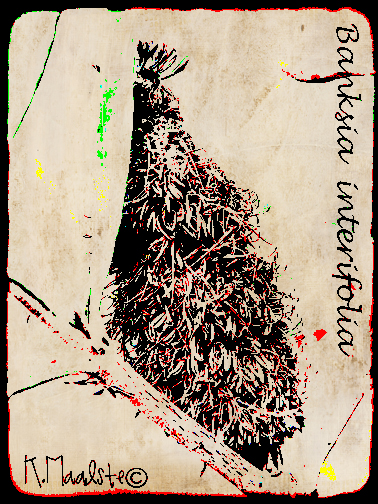
The rules stated this week that at least Simplicity had to be used in the image. The pale textures are not easy to work with unless your starting image is simple, slightly over exposed etc. With this image of a banksia from my garden I ran it through ARVIS sketch and Topaz lab Adjust 5, the texture was used at Blending Mode of Darker Colour 100% opacity.
Thank you for stopping by.