

I have never attempted to make an animated GIF, so it was a challenge to find some photographs that I could animate. Also I use PSE10 so I had to follow tutorials designed for Elements. I also found one that used the same background and just moved an element in the background..this is the second image (Shutterstock images used).
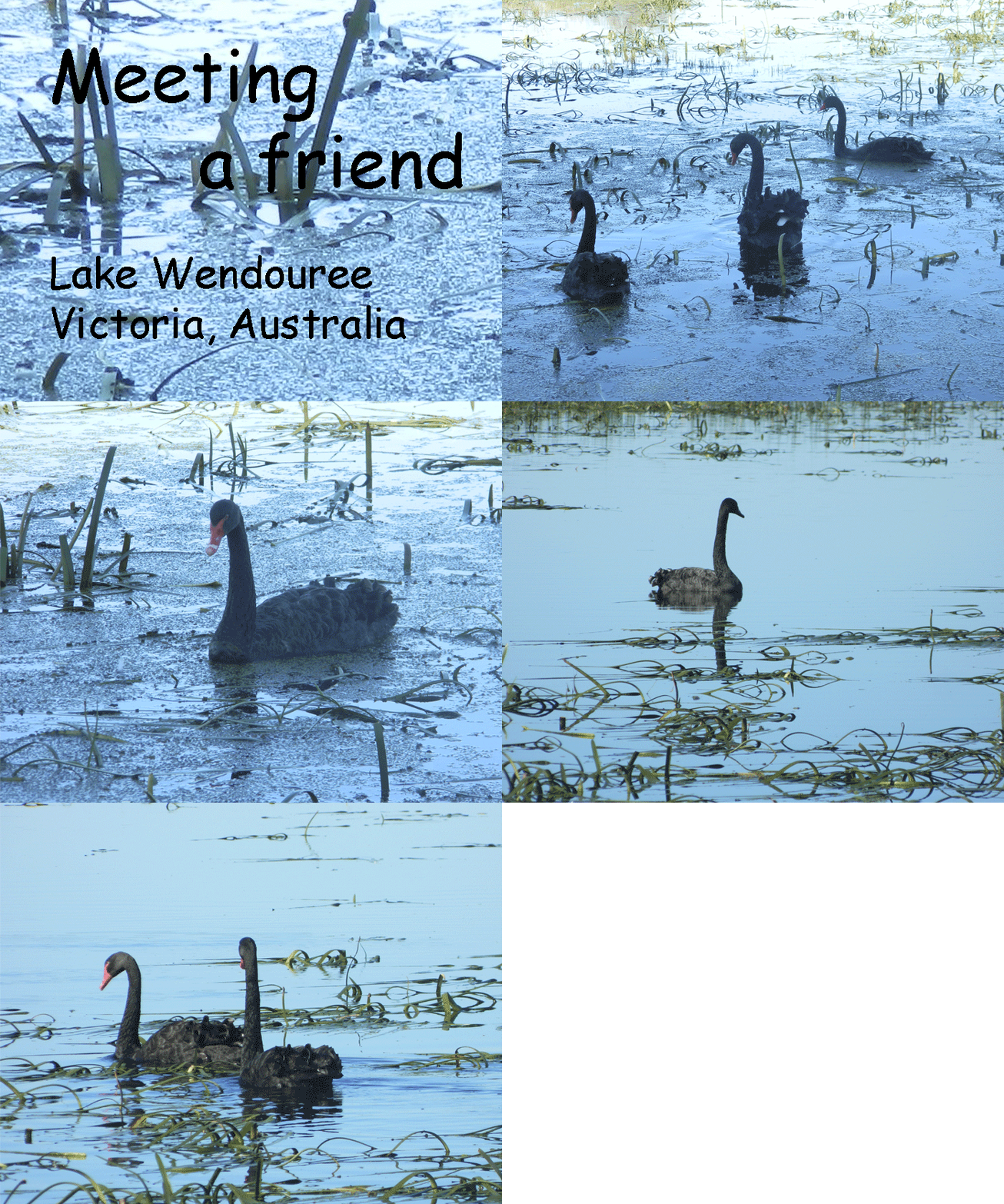
Lake Wendouree
If this is not animated click on the image. The next image is of a fixed background.
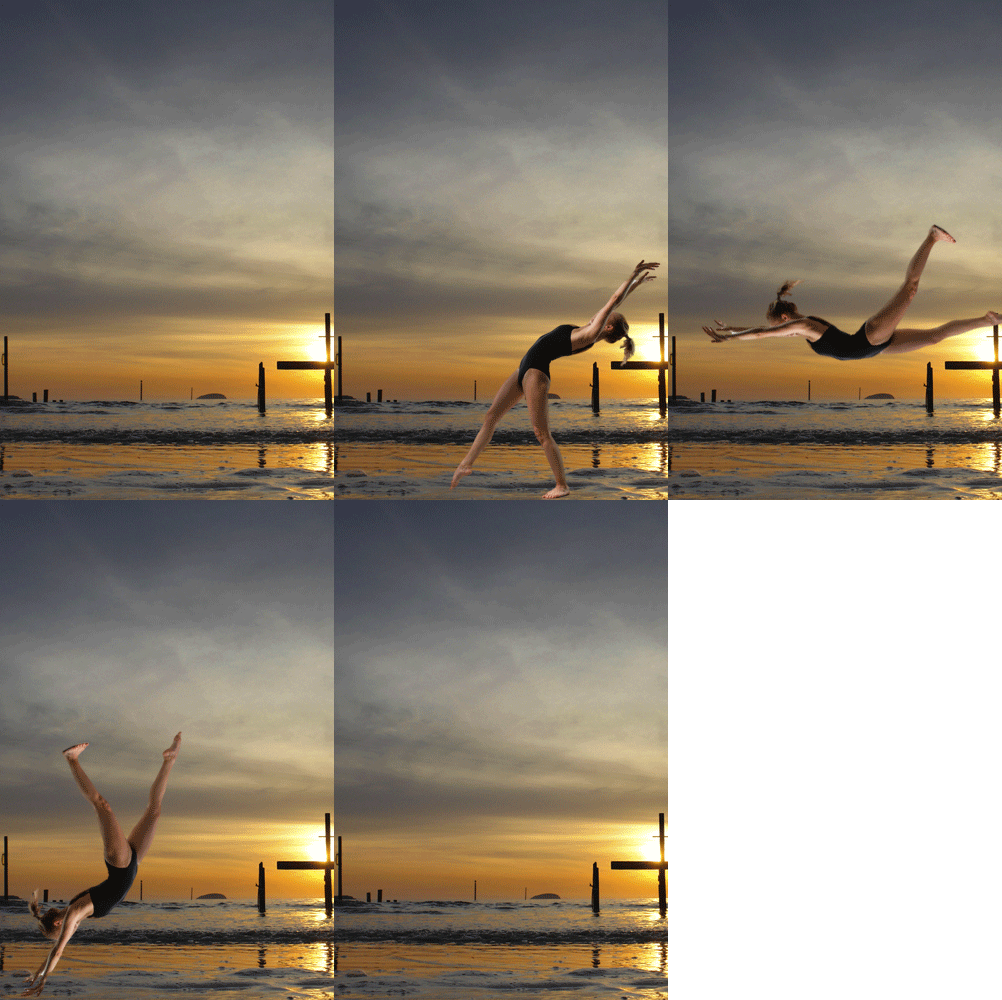
Somersaults at the beach
If you notice the background remains the same with the girl somersaulting across the beach.
Thank you for visiting to view other participants click on the button in the sidebar. Cheers
Recipe:
L1. Background
L2. Background
L3. Girl
L4. Duplicate the background
L5. Duplicate girl in a different position
L6. Duplicate background
L7. Duplicate girl in a different position
L8. Duplicate the background
Now layers have to be merged, merge L2&3. L4&5. L6&7

 Gum Nut Photography
Very nice .GIFs! I especially like the one where the background is still and the girl tumbles across the beach. It seems a bit more difficult, as I am a beginner, but I just might have to give it a try!
YOu just put the rest of us to shame – wow.
WOW!! That is awesome!
VERY cool with the background perfectly still!! I really enjoyed this tutorial!! I had to figure out how to do mine in elements as well. 🙂 GREAT job!