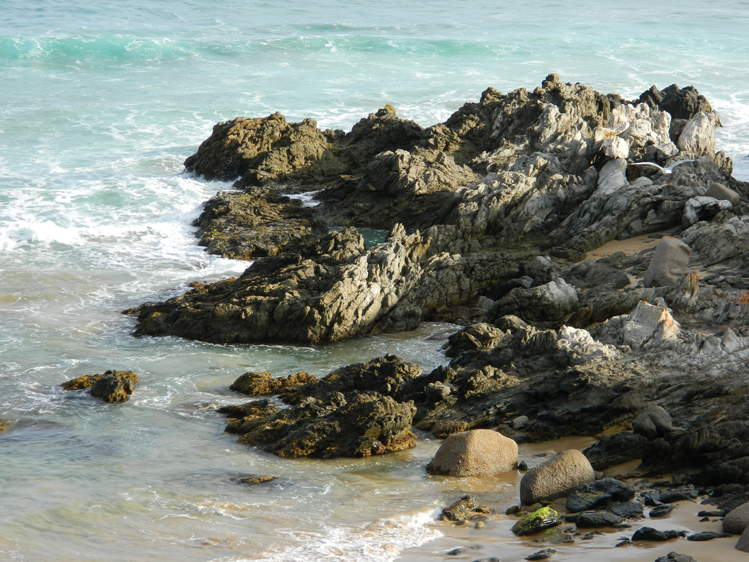
This weeks challenge is to convert a photograph to a watercolour painting. I initially used the tutorial but found it did not suit, so followed David Cole’s instructions in his book “Complete Digital Painting Techniques” The method I chose makes use of the Pattern Stamp Tool, Topaz Lab Simplify filter BuzSim and the use of a layer that simulates a Granulated Wash. The first photographs are the original and the results of following the tutorial.

- Waitpinga Beach, South Australia


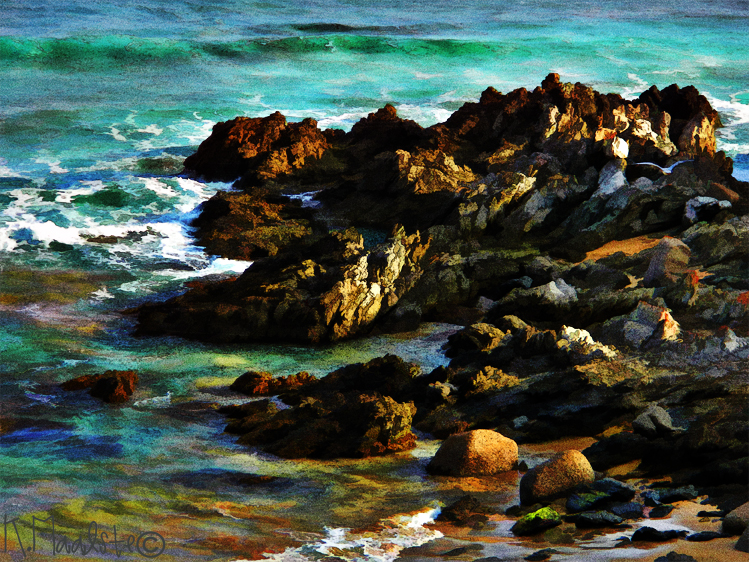
This photograph is of the same scene but painted according to David Cole’s Instructions.
The recipe is as follows:
L1. Copy original and run through Topaz Lab Simplify BuzSim filter, it give a look similar to using the Artistic Filter Cutout. Make a pattern from this image.
L2. Insert a white layer, select a brush I used a dry brush and “paint” into the white layer using the pattern stamp.
L3. Made the simulated “granulated” layer by filling a new layer with a medium grey and applying the Noise filter (Gaussian blur and monochromatic settings). Changed Blending Mode to Soft light and opacity of around 50%.
L4 Merged the layers and applied a High Pass filter then changed Blending Mode to Hard Light at 100%
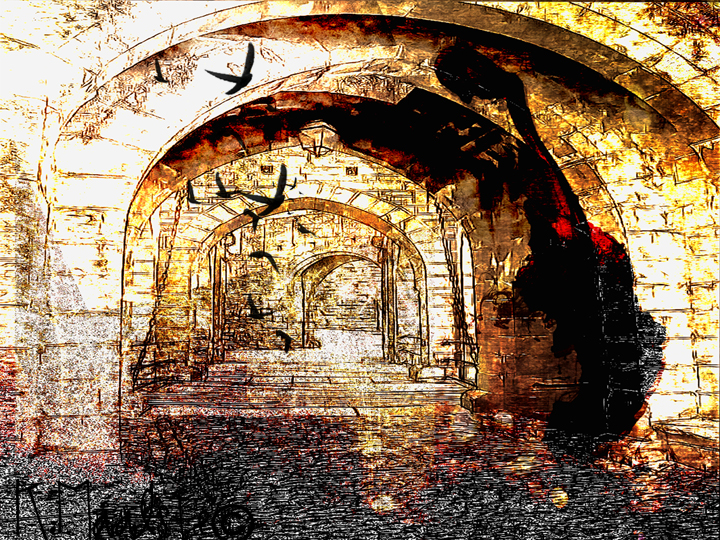
I gave the tutorial another try on several images but I could not get the look I wanted. this next image is done in a similar style to the recipe above.

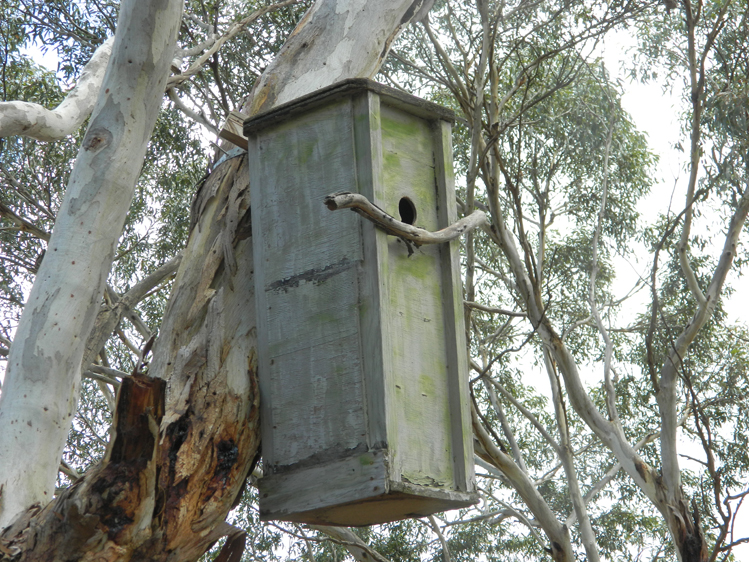
Bird House in Nature Reserve Victor Harbour, South Australia

Thank you for visiting, I appreciate your comments and suggestions. Other entries can be seen by clicking on the button in the right hand side bar. Cheers







 Gum Nut Photography